You don't know who's idle
An agent can be away from their seat for 20 minutes before anyone notices, usually once missed calls pile up.
Idle alerts with the threshold you set
Past 20 seats, supervising at a glance becomes impossible. Argos shows you who's working, who's idle, and lets you step in without leaving your seat.
Demo environment · Fictional data
What slips past you today
An agent can be away from their seat for 20 minutes before anyone notices, usually once missed calls pile up.
Every time a PC breaks, someone has to walk over, and the agent isn't billing in the meantime.
You find out about a security or performance issue only after it already hit the day's operation.
Demo environment · Fictional data
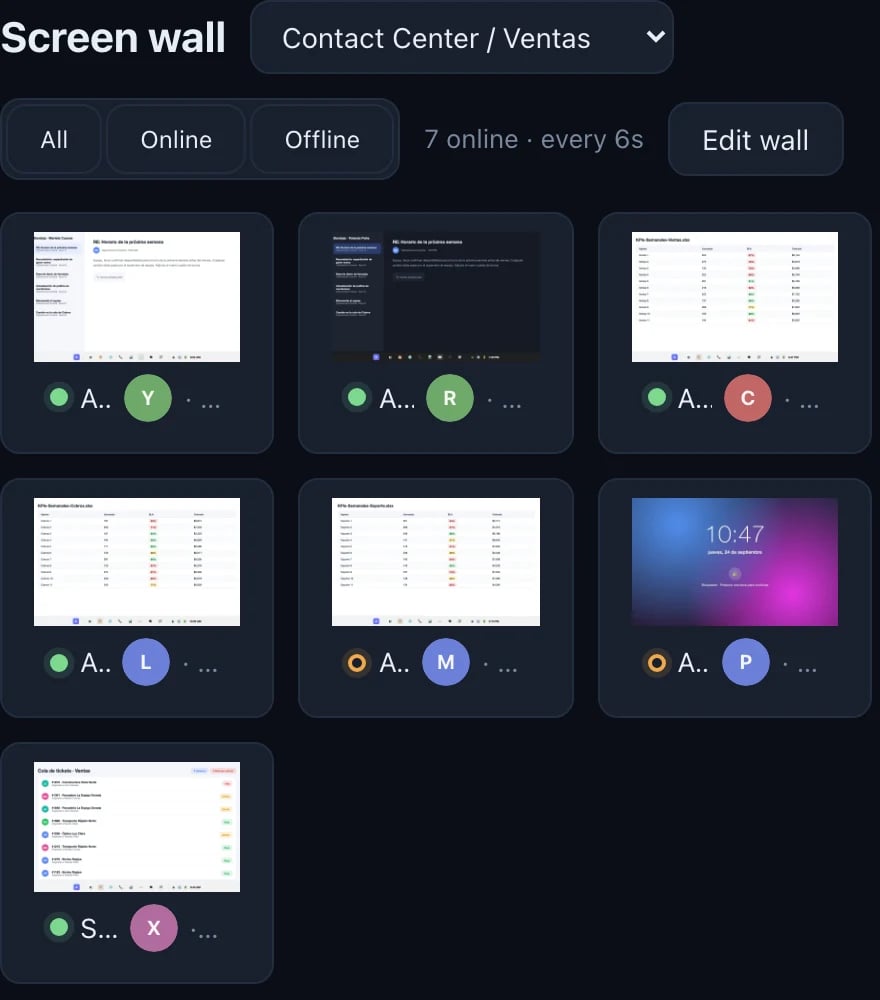
Filtered by group: just the Sales team, with bigger thumbnails.
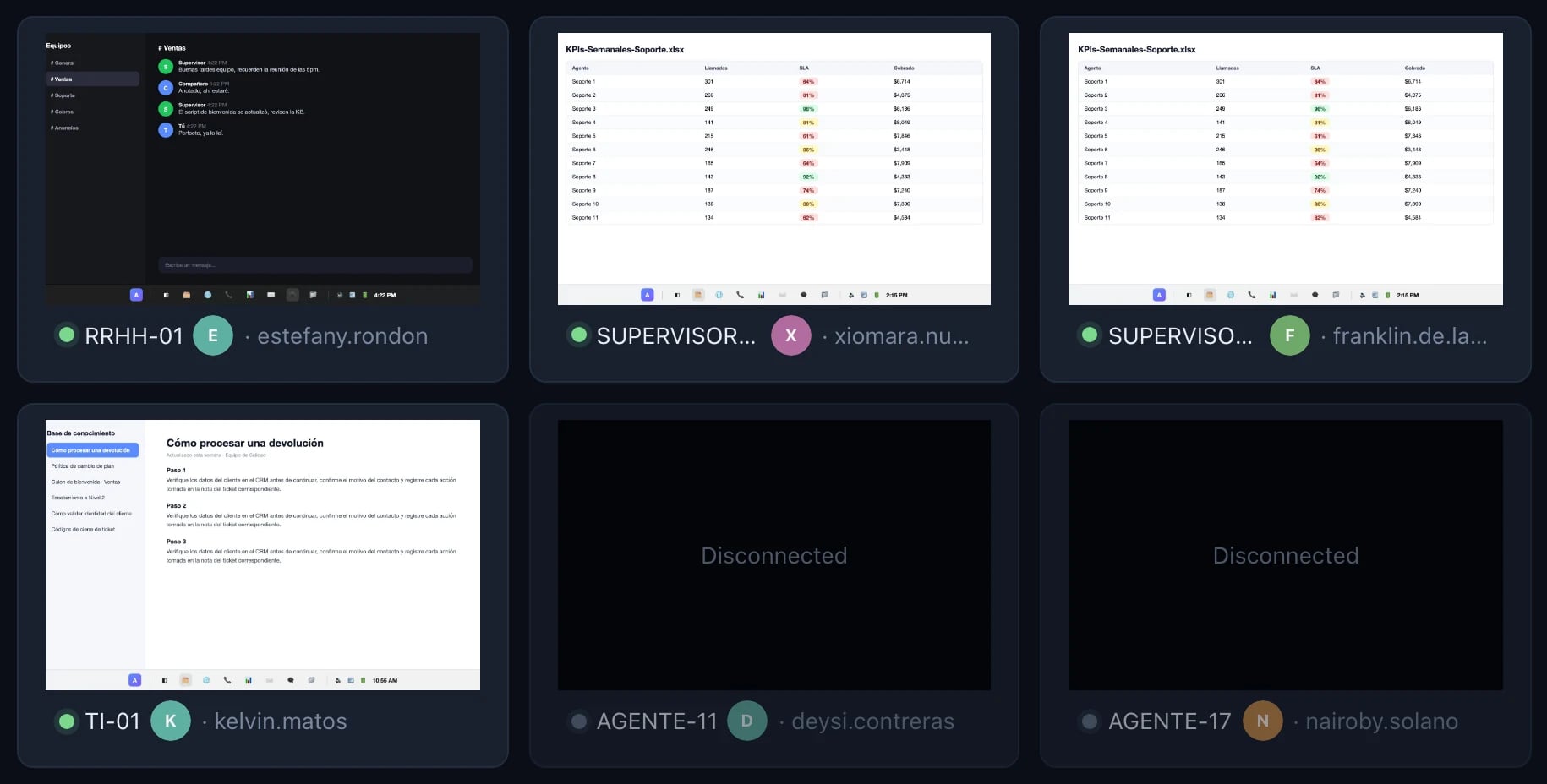
Machines that are off stay on the wall, marked as offline.
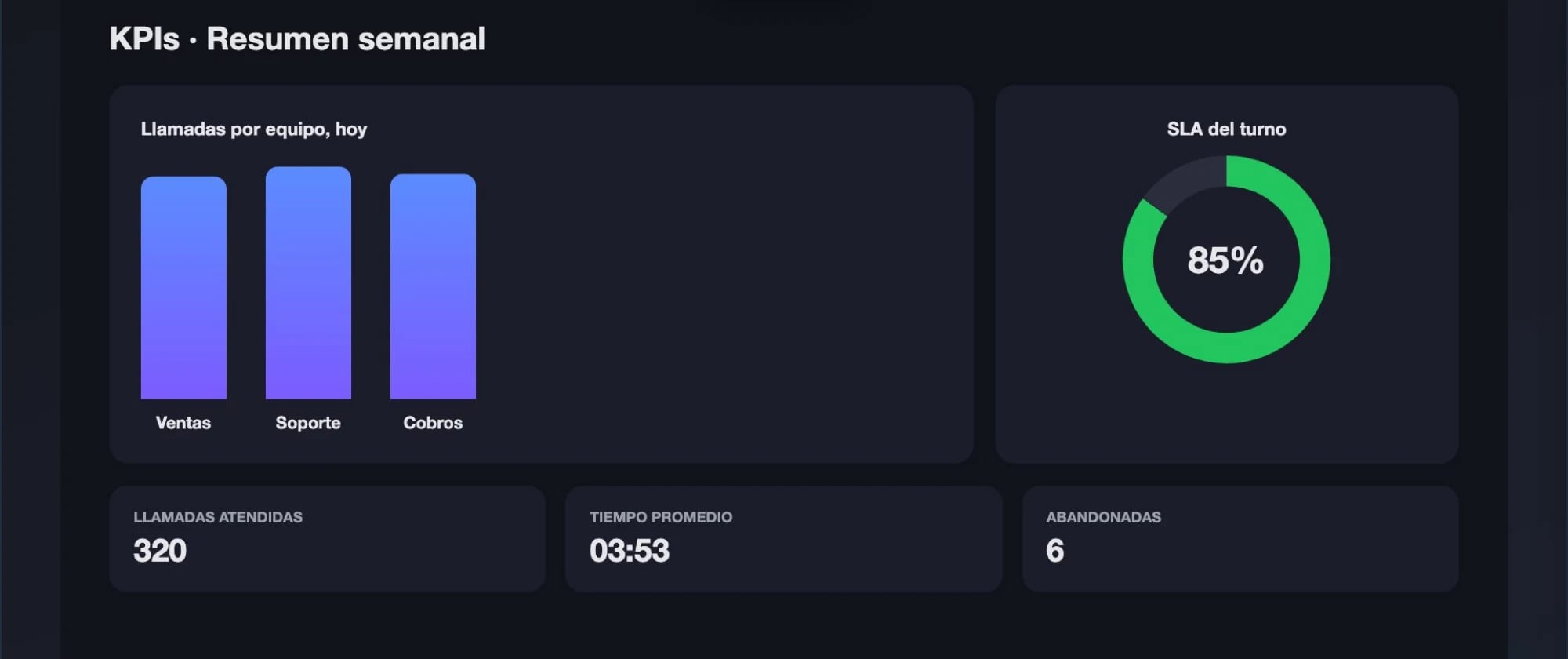
One click on a thumbnail opens that screen live, at full size.
Functions you'll use every day
What you get
Transparent monitoring: the agent sees the Argos icon in their system tray, and every screen access is logged and audited.
See the audit log in the demo →Detect, notify, and step in before the customer hangs up.